
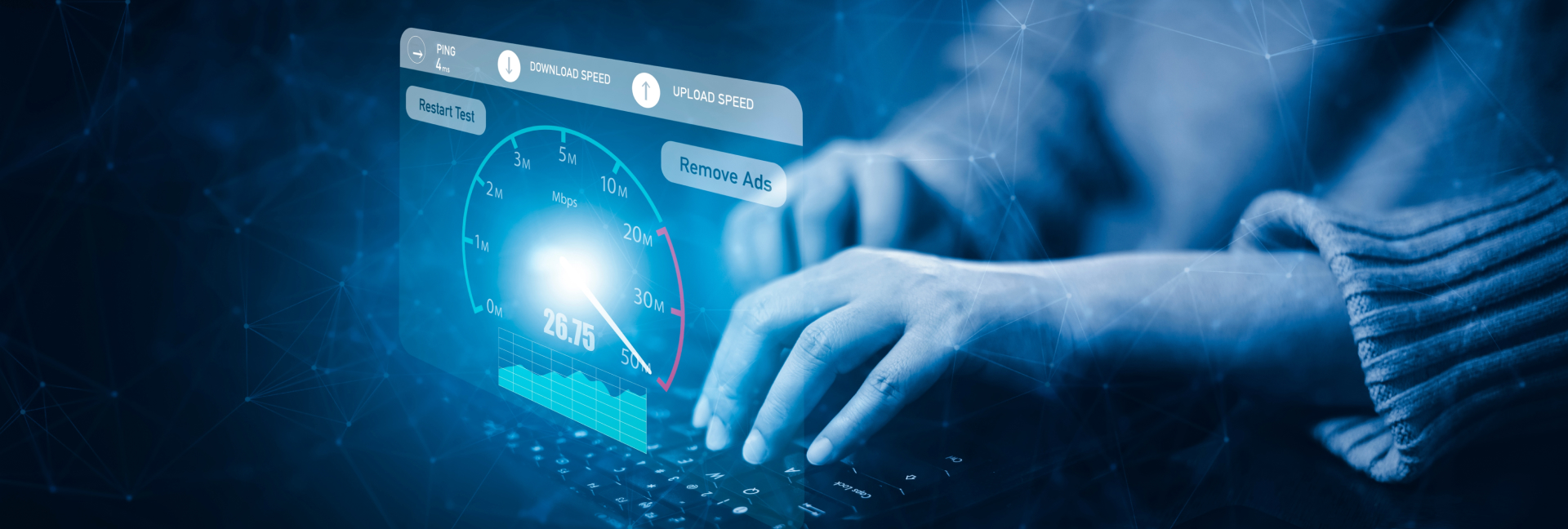
Streaming has become one of the most popular ways to experience and share gaming content. Whether you’re a gamer streaming your own gameplay or a viewer enjoying your favorite streamers on platforms like Twitch or YouTube, internet speed plays a pivotal role in ensuring a smooth and high-quality experience. This article will explore the ideal internet speeds for streaming games, the factors that influence streaming quality, and tips for optimizing your connection.
Why Internet Speed Matters for Game Streaming
The speed of your internet connection directly affects the quality of your stream, including the resolution, frame rate, and overall smoothness of the gameplay. Streaming involves both uploading and downloading data, and any slowdowns in these areas can result in lag, buffering, or poor video quality. To get the best streaming experience, you need to ensure your internet speeds can handle the demands of game streaming without affecting performance.
- Download Speed: When you’re streaming a game, your device is downloading content from the game server. However, for most streamers, download speed is less critical than upload speed, as long as you’re not downloading large updates or patches while streaming.
- Upload Speed: This is the most crucial factor for streamers. Upload speed determines how quickly your gameplay video is sent to platforms like Twitch or YouTube. A faster upload speed means higher video quality, fewer buffering issues, and a smoother streaming experience for your viewers.
- Ping (Latency): For interactive streaming experiences, such as live gaming or playing multiplayer games while streaming, low ping is essential. High latency can cause delays between your actions and what the viewers see, which can be frustrating for both you and your audience.
- Jitter: This refers to fluctuations in ping. High jitter can result in inconsistent performance, leading to stuttering or freezing during the stream.
Ideal Internet Speeds for Streaming

Now that we understand the factors that impact game streaming, let’s take a look at the internet speeds recommended for different types of streaming.
1. Standard Streaming (Non-High Definition)
For basic streaming, such as watching game playthroughs or casual streaming in low resolutions, you don’t need a super-fast connection. Here’s what you need:
- Download Speed: 5-10 Mbps
- Upload Speed: 3-5 Mbps
- Ping: Less than 100ms
- Resolution: 480p to 720p at 30 frames per second (FPS)
This speed is sufficient for streaming or watching standard definition (SD) content, where high resolution and frame rates are not essential. If you’re just watching a stream on your phone or a laptop, these speeds should be more than enough. For more information on how to optimize Wi-Fi for gaming performance, follow this link.
2. HD Streaming (1080p)
For a more immersive and higher-quality experience, many streamers and viewers prefer to stream in 1080p HD resolution. To stream games in this resolution, you’ll need higher upload speeds to support the enhanced quality.
- Download Speed: 10-20 Mbps
- Upload Speed: 5-10 Mbps
- Ping: Less than 50ms
- Resolution: 1080p at 30-60 FPS
Streaming in HD allows for sharper visuals, especially important when playing fast-paced games where detail matters. High upload speeds are necessary to ensure the video reaches the streaming platform without compression artifacts or lag.
3. 4K Streaming
For those who want the best possible quality, 4K streaming is the ultimate choice. This is particularly ideal for high-end games that benefit from stunning visuals and fine details. However, streaming in 4K requires a robust internet connection due to the massive amount of data being uploaded.
- Download Speed: 25-50 Mbps
- Upload Speed: 15-25 Mbps
- Ping: Less than 30ms
- Resolution: 4K at 30-60 FPS
4K streaming demands a high-quality connection not only for the best video quality but also to avoid buffering issues that could negatively impact your stream. This is generally recommended for streamers with high-end equipment and those targeting an audience with similarly capable devices.
4. Interactive and Multiplayer Game Streaming
When you’re playing multiplayer games live, you need low latency for smooth interactions and a responsive gaming experience. For interactive streams, such as when you’re playing alongside your audience or engaging with them live, keeping your upload and ping in check is essential.
- Download Speed: 10-20 Mbps
- Upload Speed: 6-10 Mbps
- Ping: Less than 50ms
- Resolution: 1080p at 30-60 FPS (depending on the game)
Low ping is essential in multiplayer games to ensure your stream is smooth without noticeable delays. Streamers who engage with their audience while gaming, such as chatting in real-time, need both fast upload speeds and low latency for optimal interaction.
How to Test and Optimize Your Internet Speed for Streaming
Testing your internet speed before streaming is a crucial step in ensuring that your connection is stable and fast enough for game streaming. There are several tools available for testing your internet speed, such as Speedtest by Ookla or the AllSpeedTest service.
Once you’ve tested your internet speed, you can optimize your setup for the best streaming experience. Here are some tips:
1. Use a Wired Ethernet Connection
Wi-Fi connections can be unstable, leading to fluctuations in your speed and increased ping. Using a wired Ethernet connection helps ensure that your connection is stable and offers the best upload and download speeds.
2. Limit Bandwidth Usage
If multiple devices are connected to your network and using bandwidth (such as watching videos, browsing the web, or downloading files), it can slow down your connection. Limit the use of other devices while streaming to ensure you have maximum bandwidth available.
3. Upgrade Your Internet Plan
If your speeds are consistently falling short of what you need for high-quality streaming, consider upgrading your internet plan. Internet service providers (ISPs) offer various plans with different download and upload speeds, and a faster plan can make a significant difference in your streaming experience.
4. Close Background Applications
Other applications running in the background on your computer or device can take up valuable bandwidth. Before starting your stream, close any unnecessary applications, including browser tabs, email programs, or any downloads.
5. Optimize Router Placement
If you must use Wi-Fi, place your router in an open area without obstructions to improve signal strength. The closer you are to the router, the better the connection will be.
To enjoy a seamless and high-quality game streaming experience, it’s crucial to have the right internet speed. Whether you’re streaming at 1080p for casual gameplay or broadcasting in 4K for the highest-quality visuals, your internet speeds—especially upload speed and ping—play a major role in ensuring a smooth stream. By testing your speeds, optimizing your connection, and adjusting your settings as needed, you can provide your viewers with an uninterrupted and enjoyable experience.
For more information on internet speed standards and streaming, check out the article on Wikipedia.
By taking these steps, you can elevate your streaming game and ensure that you’re offering the best experience for both you and your audience.